
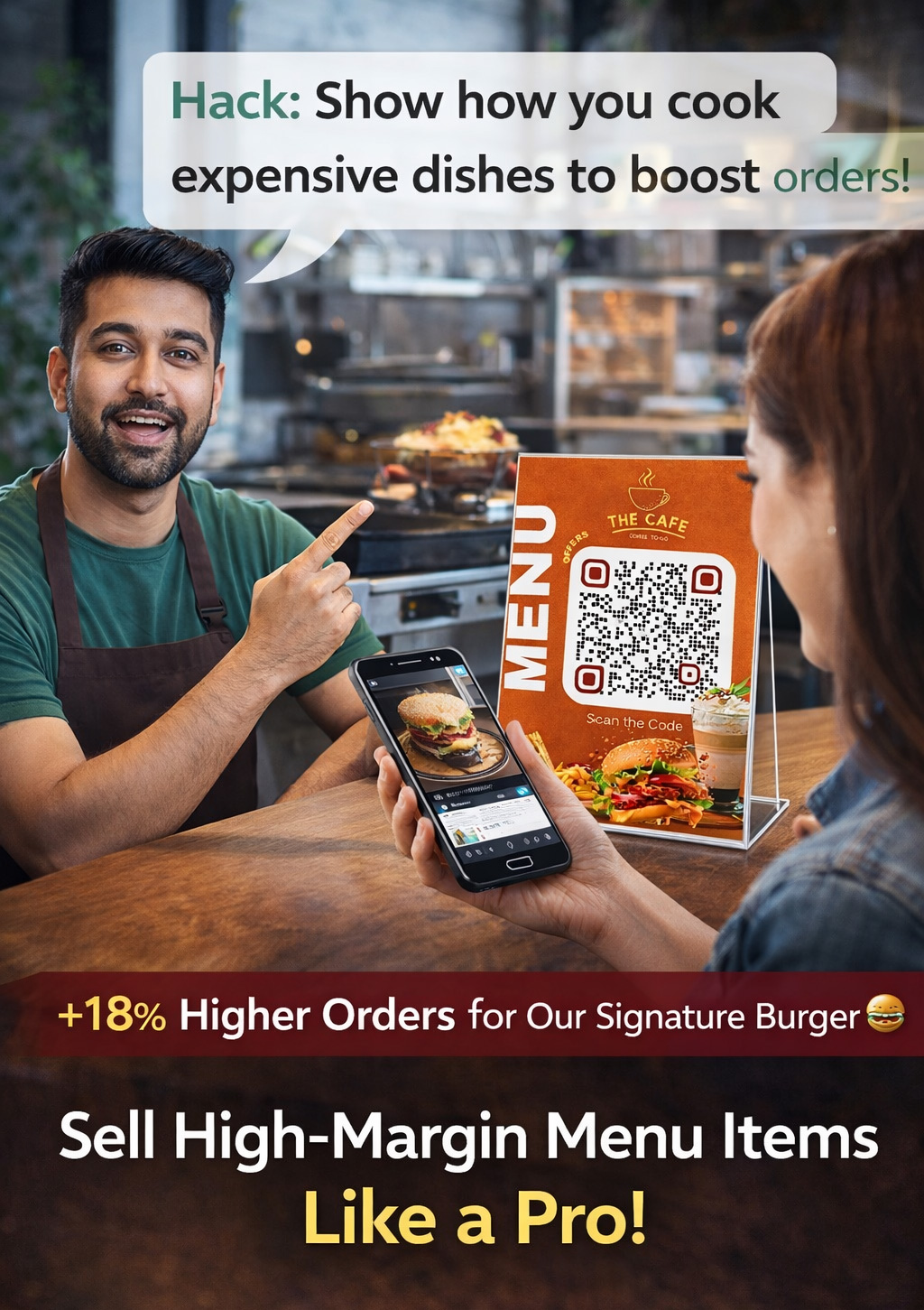
Introduction: Stop Using QR Menus That Don’t Sell
Most restaurant owners in 2026 already have a QR code on their table. But here’s the truth nobody talks about:
👉 Just having a QR menu does NOT increase your sales.
In fact, many restaurants are losing orders because their QR menu is:
- Slow
- Hard to read (PDF zoom problem)
- Visually boring
- Not designed to upsell
So instead of helping, it silently kills your revenue.
This guide is different.
This is not about “what is QR code menu.”
This is about how to use a QR menu to actually increase your orders and profits.
The Real Problem: Most QR Menus Are Just Digital PDFs
Let’s be honest.
What happens in most restaurants?
Customer scans QR →
PDF opens →
Customer zooms →
Gets irritated →
Orders quickly (low value) OR closes it
👉 That’s a bad experience.
And bad experience = lower order value
Most QR tools are generic. They are not built for restaurants. They don’t understand:
- How customers choose food
- What makes them order more
- How to visually sell dishes
So your QR menu becomes just a digital version of a printed menu, not a sales tool.
What a High-Converting QR Menu Should Actually Do
A smart QR menu should work like a digital salesman, not just a menu.
Here’s what a high-performing QR menu does:
- Shows food images that trigger hunger
- Organizes items into clear categories
- Highlights bestsellers (guides decision)
- Suggests combos & add-ons
- Loads instantly (no waiting, no zooming)
👉 This directly increases:
- Order value
- Customer satisfaction
- Repeat visits
Real Example: How QR Menu Increases Revenue
Let’s break it down with a simple example:
Without Smart QR Menu
Customer scans → sees text → orders:
👉 Burger = ₹120
With Smart QR Menu
Customer scans → sees image → sees combo → sees add-on
👉 Burger + Fries + Coke = ₹249
Now imagine:
- 50 customers/day
- ₹100 extra per order
👉 ₹5,000 extra per day
👉 ₹1.5 lakh extra per month
🔥 This is the difference between a menu and a sales system
Why Indian Restaurants Need Better QR Menus in 2026
The Indian restaurant market is more competitive than ever.
- Customers compare you with Zomato and Swiggy
- Expectations for speed are higher
- Staff shortages are common
- Printing costs are rising
At the same time, customers are used to:
- Seeing images
- Browsing categories
- Making fast decisions
👉 If your QR menu doesn’t match this experience, you lose orders.
The Solution: Use a QR Menu Builder Designed for Restaurants
Instead of using basic QR generators, restaurants should use a dedicated QR menu builder.
One such solution is:
👉 Menu Card Studio QR Builder
👉 http://builder.menucardstudio.com/
This is not just a QR generator. It’s a restaurant-focused menu system.
What Makes Menu Card Studio Different
Here’s why it actually helps restaurants increase sales:
📸 Image-Based Menu
Customers don’t just read—they see and feel the food.
📂 Smart Categories
Separate sections like:
- Burgers
- Combos
- Beverages
👉 Makes navigation easy
⭐ Highlight Bestsellers
Guide customers to high-profit items.
🔄 Instant Updates
Change prices or items anytime—no reprinting.
📱 Mobile-Friendly Design
No PDF. No zoom. Smooth experience.
👉 This is what modern customers expect.
Biggest Mistakes Restaurant Owners Make
If you already have a QR menu, check this:
❌ Using PDF menu
❌ No food images
❌ No categories
❌ No combo strategy
❌ Slow loading
👉 These mistakes directly reduce your revenue.
How to Create a High-Converting QR Menu (Step-by-Step)
Step 1: Build Your Menu
Use a platform like:
👉 http://builder.menucardstudio.com/
Step 2: Add Real Food Images
Not stock—your actual dishes.
Step 3: Create Categories
Make it easy to browse.
Step 4: Add Combos & Upsells
Example:
👉 “Add fries for ₹40”
Step 5: Place QR Codes Smartly
- Table
- Entrance
- Packaging
QR Menu is Not About Technology—It’s About Psychology
This is the biggest mindset shift.
Customers don’t buy food…
👉 They buy what looks tempting
A well-designed QR menu:
- Reduces decision time
- Increases cravings
- Pushes upgrades
👉 That’s how you increase order value.
Should You Still Keep Printed Menus?
Yes—but as a backup.
Some customers still prefer physical menus.
But your main focus should be digital, because:
- Faster
- Flexible
- More profitable
Final Thoughts: Don’t Just Go Digital—Go Smart
In 2026, having a QR menu is normal.
But having a sales-focused QR menu is what makes you different.
If your current QR menu is just:
👉 “Scan → PDF”
You are missing revenue every single day.
🚀 Ready to Upgrade Your Restaurant Menu?
You can create a professional, sales-driven QR menu in minutes:
👉 http://builder.menucardstudio.com/
No design skills needed.
No technical knowledge required.
Start today—and turn your menu into a revenue generator.
Leave a Reply