
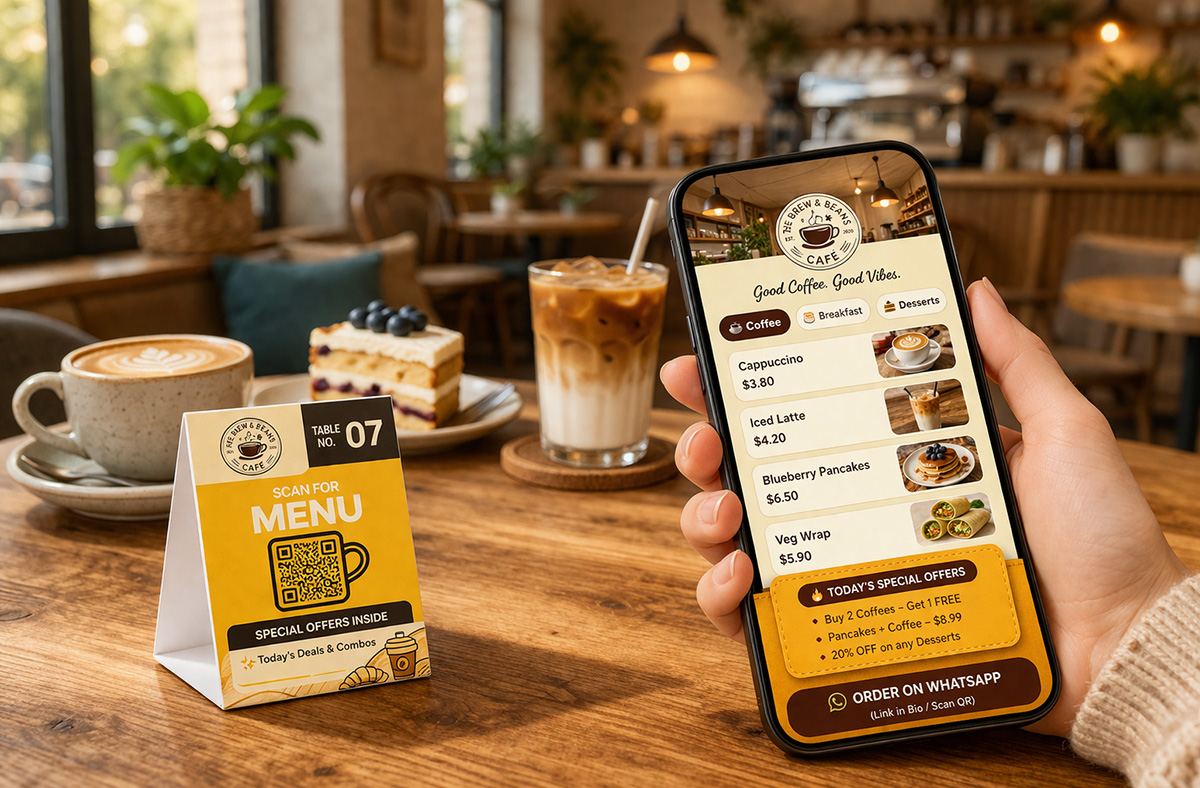
The modern restaurant menu is no longer just a list of items—it’s a conversion engine.
In today’s competitive food industry, where attention spans are shrinking and visual content dominates, the restaurants that win are not the ones with the longest menus—but the ones with the most persuasive menus.
A digital menu, when used correctly, becomes your silent salesperson—guiding decisions, increasing cravings, and ultimately boosting revenue per table.
This guide explores:
- The real (non-obvious) benefits of digital menus
- How to use psychology and video to increase order value
- A step-by-step setup process (under 10 minutes)
- Practical examples of high-performing digital menus
What is a Digital Menu?
A digital menu is a QR code-enabled, interactive menu that customers can access on their smartphones.
Unlike traditional menus or static PDFs, modern digital menus allow you to integrate:
- High-quality images
- Short-form food videos
- Dynamic pricing and updates
- Highlight tags (Best Seller, Chef’s Choice)
- Real-time edits without reprinting
The key shift is this:
👉 A traditional menu informs
👉 A digital menu influences
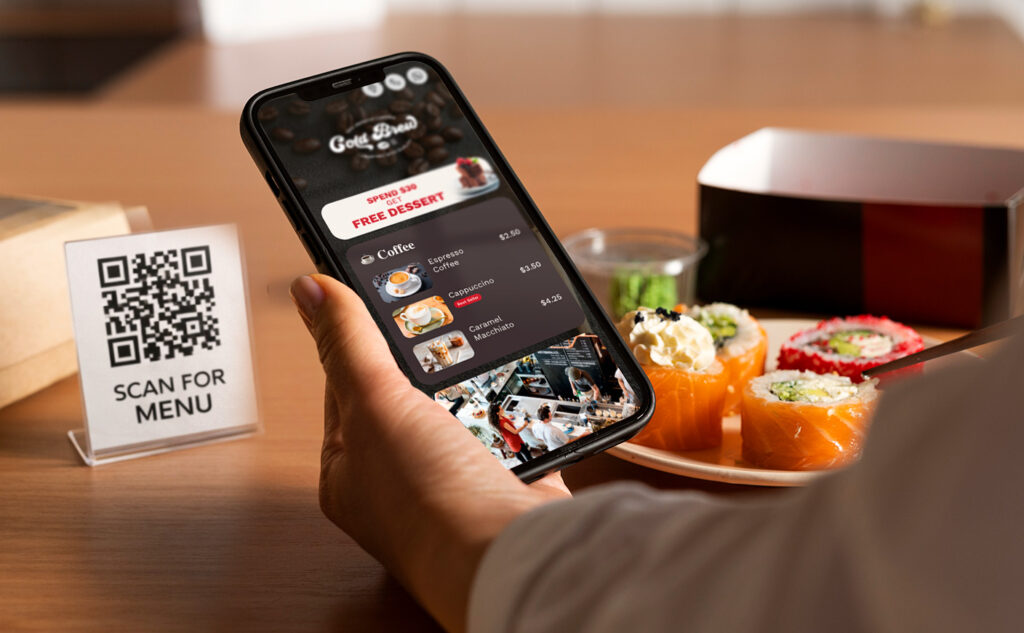
The Real Benefits of Digital Menus (Backed by Psychology)
Most articles talk about hygiene and cost savings.
Those are operational benefits.
But if your goal is higher sales and better margins, the real advantages are rooted in behavioral psychology and decision design.
1. Visual Stimulation That Triggers Cravings
Humans don’t make food decisions logically—they make them visually and emotionally.
When a customer sees:
- Melting cheese
- Steam rising from hot food
- A drink being poured
The brain activates reward pathways (dopamine release), increasing desire instantly.
This is why food content performs exceptionally well on platforms like Instagram and TikTok.
Now imagine applying the same principle at the exact moment of ordering.
👉 A digital menu with video turns passive browsing into active craving.
2. The “In-the-Moment Instagram Effect”
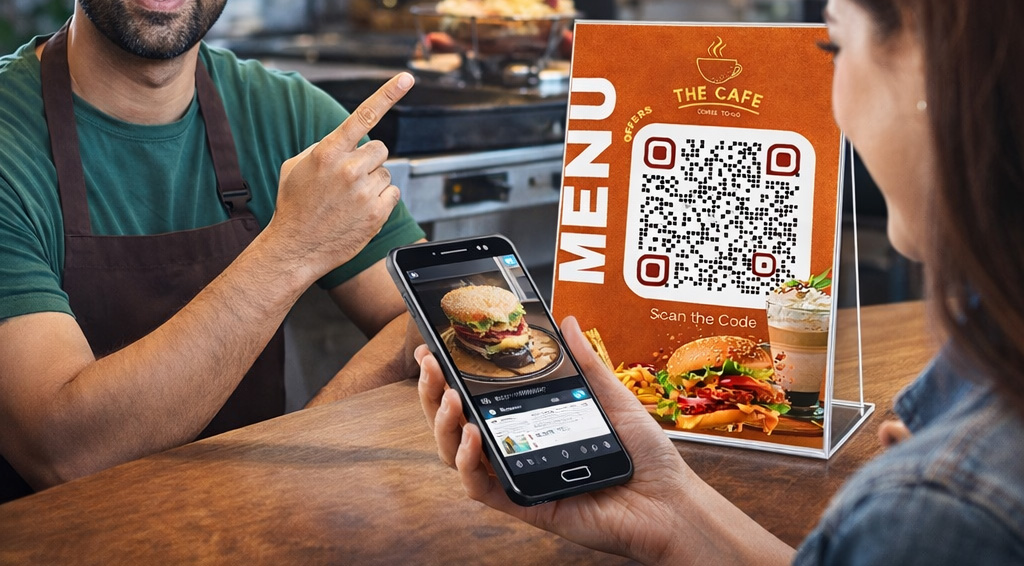
Restaurants already invest in social media marketing:
- Cooking process videos
- Behind-the-scenes clips
- Food styling content
These videos attract attention online.
But there’s a gap.
Customers consume that content before visiting, not during ordering.
A digital menu closes that gap.
What changes:
Instead of:
Customer reads menu → thinks → orders
It becomes:
Customer watches → feels → orders
This shift from cognition to emotion directly impacts:
- Order size
- Item selection
- Willingness to try premium dishes
3. Strategic Promotion of High-Margin Items
In most restaurants:
- A small percentage of items generate the majority of profits
Yet traditional menus treat all items equally.
Digital menus allow intentional visibility control:
- Feature high-margin items at the top
- Add visual emphasis (images/videos)
- Use labels like “Chef Recommended” or “Popular Choice”
Why this works:
Customers rely on cognitive shortcuts when making decisions.
If an item appears:
- Highlighted
- Visually appealing
- Positioned prominently
They assume:
“This must be the best option.”
And they choose it.
4. Reduced Decision Fatigue = Higher Conversion
Too many choices create friction.
When customers feel overwhelmed:
- They default to safe, lower-value items
- They avoid experimentation
- They order less
Digital menus solve this by:
- Structuring categories clearly
- Highlighting top picks
- Using visuals as guidance
👉 This reduces mental effort and increases confidence in ordering.
5. Real-Time Menu Optimization
A printed menu is static.
A digital menu is dynamic.
You can:
- Promote specific items at different times of day
- Highlight combos during peak hours
- Push desserts after main courses
This introduces contextual selling, where the menu adapts to:
- Time
- Demand
- Customer behavior
6. Emotional Selling Through Video
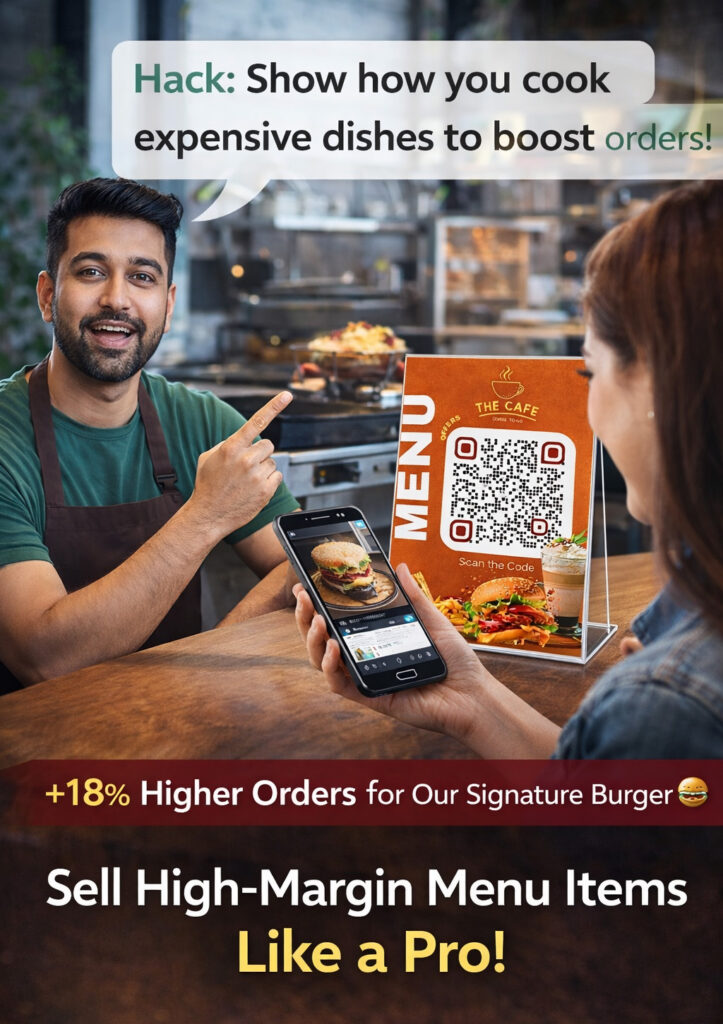
Text describes.
Images attract.
Video persuades.
A dish described as:
“Chocolate Lava Cake”
Becomes far more compelling when shown as:
- A spoon breaking through the surface
- Chocolate flowing from the center
- Steam rising
This transforms the menu from informational to experiential.
👉 Customers don’t just understand the dish—they feel it.
How to Use Video in Your Digital Menu (Advanced Strategy)
Video is the most underutilized advantage of digital menus.
Here’s how to implement it effectively:
Step 1: Identify Key Revenue Drivers
Select:
- 5–10 high-margin items
- Visually appealing dishes
- Crowd favorites
Examples:
- Signature burgers
- Specialty desserts
- Loaded pizzas
- Crafted beverages
Step 2: Capture Process-Oriented Content
Focus on:
- Preparation steps
- Close-up textures
- Final plating
Professional equipment is optional—clarity and authenticity matter more.
Step 3: Integrate Video into Menu Items
Each item should include:
- Video (primary attention driver)
- Image (supporting visual)
- Description (context)
- Price
This creates a layered experience that increases engagement.
Step 4: Use Behavioral Labels
Add tags such as:
- Best Seller
- Recommended
- New
- Limited
These labels act as decision accelerators.
Step 5: Control Positioning
Place key items:
- At the top of categories
- In featured sections
Visibility directly impacts selection.
How to Set Up a Digital Menu in 10 Minutes
One of the biggest misconceptions is that creating a digital menu requires manual data entry.
Modern tools eliminate this friction entirely.
Step-by-Step Setup Process
1. Scan Your Existing Menu (OCR Technology)
Upload your current menu.
An OCR (Optical Character Recognition) system extracts:
- Item names
- Prices
- Categories
👉 No need to manually type 200+ items
2. Customize Branding
Adjust:
- Colors
- Fonts
- Logo placement
Ensure the menu reflects your brand identity.
3. Add Media Content
Upload:
- Food images
- Short videos (recommended for key items)
4. Apply Highlight Tags
Mark items as:
- Best Seller
- Chef’s Choice
- Popular
5. Generate QR Code
Create a scannable QR code linked to your menu.
6. Print and Place
Use:
- Table standees
- Table tents
- Wall displays
Customer journey:
Scan → Explore → Crave → Order
👉 Total setup time: approximately 10–15 minutes
Example: Increasing Order Value with a Digital Menu
A mid-sized café implemented a digital menu strategy focused on:
- Video integration for selected items
- Highlighting high-margin dishes
- Reordering menu layout
Observed outcomes:
- Increase in average order value
- Higher selection of premium items
- Faster ordering decisions
Key insight:
Customers responded more strongly to visual stimuli than written descriptions.
Digital Menu vs Traditional Menu
| Factor | Traditional Menu | Digital Menu |
|---|---|---|
| Engagement | Low | High |
| Flexibility | Static | Dynamic |
| Visual Content | Limited | Rich (Images + Video) |
| Upselling Ability | Passive | Strategic |
| Update Speed | Slow | Instant |
| Customer Influence | Minimal | High |
Examples of Digital Menu Use Cases
1. Café
- Highlight beverages with pouring videos
- Feature seasonal specials
2. Fast Food Outlet
- Show burger assembly videos
- Promote combo meals visually
3. Fine Dining Restaurant
- Use elegant visuals
- Add chef notes and storytelling
4. Dessert Shop
- Focus heavily on texture-based videos
- Emphasize indulgence
Why Digital Menus Are the Future
Consumer behavior has shifted toward:
- Visual-first decision making
- Short-form video consumption
- Instant gratification
A digital menu aligns perfectly with these trends.
It transforms ordering from:
A rational decision
Into:
An emotional response
Final Thoughts
A menu is not just a list—it’s your most powerful sales interface.
The difference between an average restaurant and a high-performing one often comes down to:
👉 How effectively the menu influences customer behavior
By combining:
- Visual psychology
- Strategic positioning
- Video content
A digital menu becomes more than a tool—it becomes a revenue system.
Key Takeaway
Don’t just digitize your menu.
Design it to:
- Capture attention
- Trigger cravings
- Guide decisions
Because the goal is not just to show food—
👉 It’s to make customers want it instantly.
Leave a Reply