
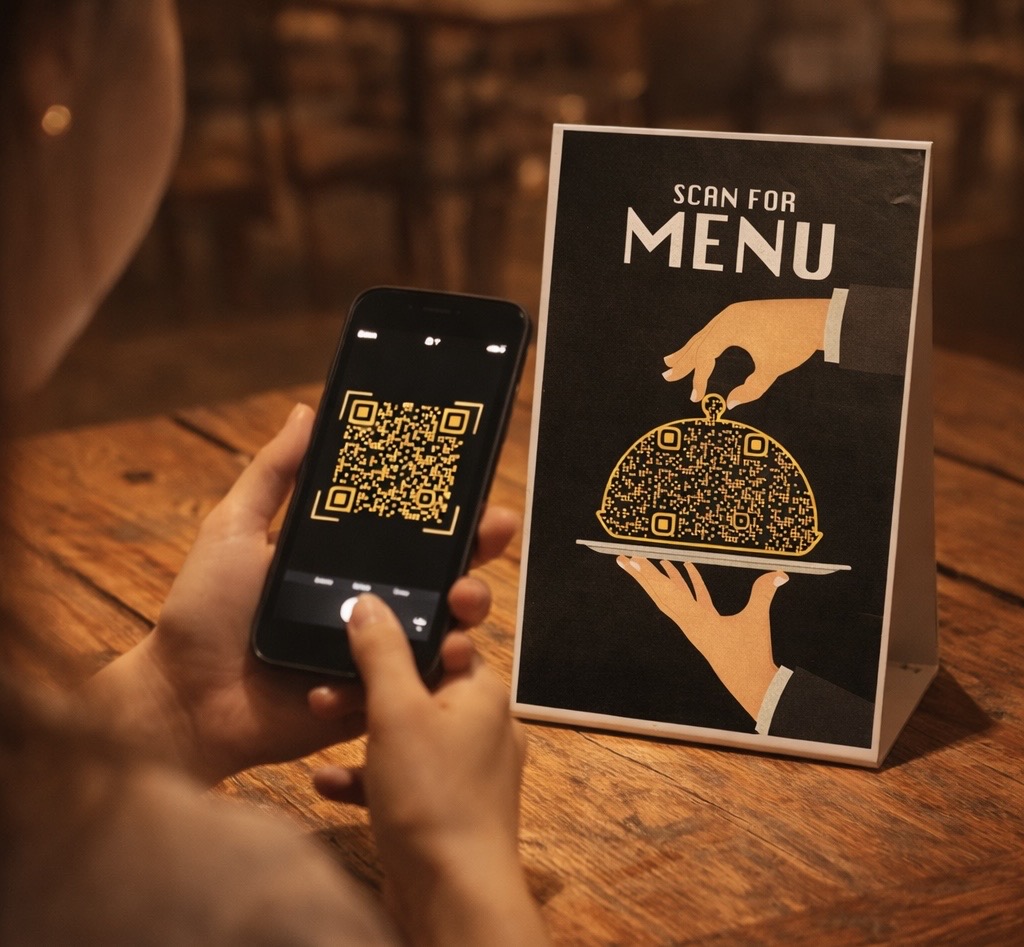
The restaurant industry is evolving fast—and one of the biggest shifts is the move from printed menus to QR code menus (digital menus).
If you’re a restaurant owner, café operator, or cloud kitchen brand, understanding QR menus is no longer optional—it’s a growth tool.
This complete guide will help you understand what a QR code menu is, how it works, its benefits, features, and how to use it to increase sales.
What is a QR Code Menu?
A QR code menu is a digital version of your restaurant menu that customers can access by scanning a QR code using their smartphone.
Instead of handing over a physical menu card, customers simply:
- Open their phone camera
- Scan the QR code
- Instantly view your menu on their screen
How a QR Code Menu Works

The process is simple but powerful:
- Create a digital menu (using a platform or builder)
- Generate a QR code linked to that menu
- Place the QR code on tables, walls, or packaging
- Customers scan → menu opens instantly
👉 No apps, no waiting, no physical contact
Why QR Code Menus Are Important for Restaurants
1. Save Printing Costs 💰
No need to reprint menus every time prices change.
2. Contactless Experience 🧼
Perfect for hygiene-conscious customers.
3. Instant Updates ⚡
Edit prices, items, or offers anytime.
4. Increase Sales 📈
Add:
- Combo offers
- Bestsellers
- Visual food images
The Biggest Problem: Manual Menu Creation
Most restaurant owners face this:
“Typing the entire menu takes too much time.”
And it’s true.
A typical menu with 80+ items can take hours to digitize manually.
The Smart Solution: AI Menu Scanner 🚀
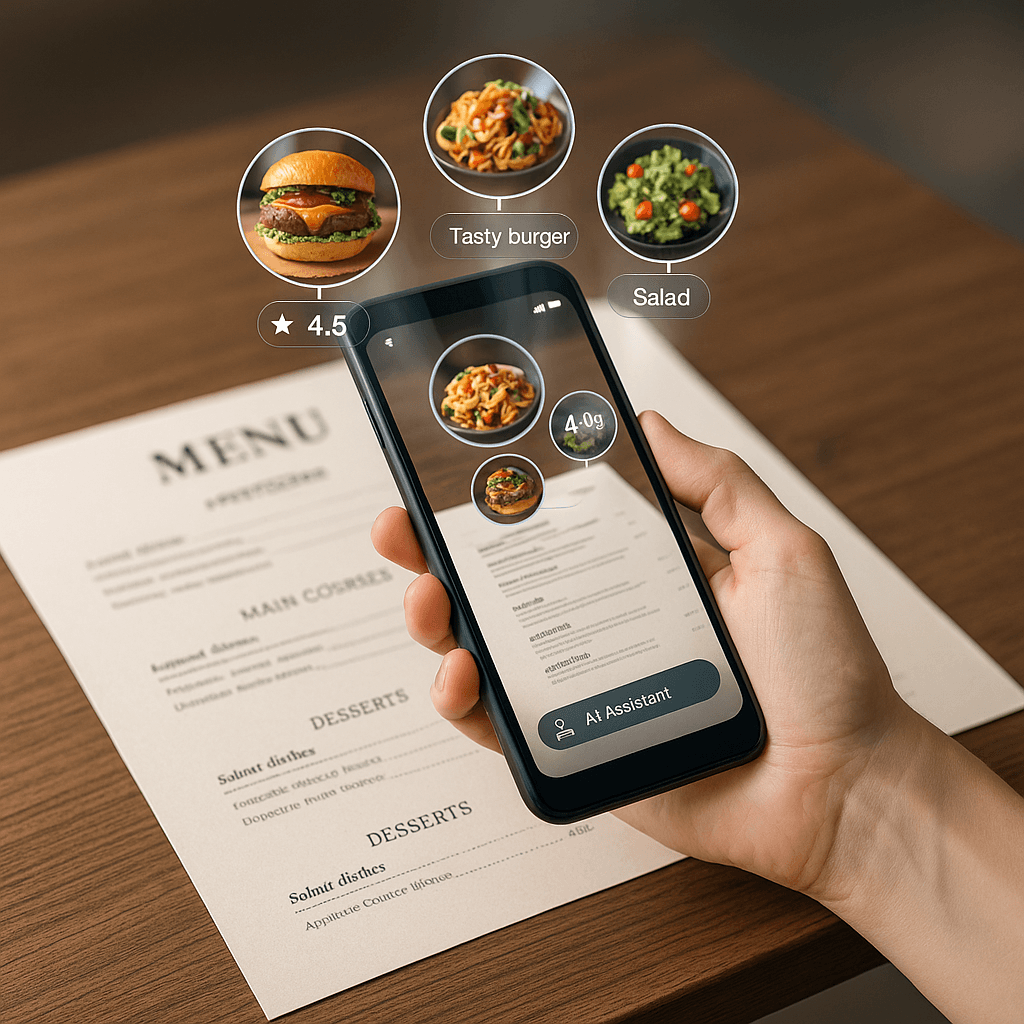
Now you can skip manual work completely.
With an AI menu scanner, you can:
- 📸 Scan your paper menu
- 🤖 Automatically detect items & prices
- ⚡ Convert into a digital menu in minutes
👉 This reduces setup time from hours to just 5–10 minutes
Key Features of a Modern QR Code Menu
To truly benefit, your QR menu should not just display items—it should drive orders.
Must-have features:
- 📷 Craving Food Images (increase order value)
- 💰 Offers & Discounts Section
- ⭐ Google Review Link Integration
- 📍 Location & Map Access
- 📲 WhatsApp Ordering Button
- 🪑 Table-wise QR Codes (track orders per table)
- 🎨 Brand Customization (colors & fonts)
Types of QR Code Menus
1. PDF QR Menu
- Simple but limited
- Not mobile-friendly
2. Dynamic Digital Menu (Recommended)
- Interactive
- Easy to update
- Better design & UX
3. Smart Ordering Menu
- Includes WhatsApp / direct order
- Ideal for cloud kitchens
Where to Use QR Code Menus
Maximize visibility by placing QR codes at:
- Tables
- Entry gate
- Billing counter
- Takeaway packaging
- Social media posts
Design Tips That Increase Orders (Agency-Level Insight)
1. Use Craving-Based Food Images 🤤
- Close-up shots
- Warm lighting
- Real textures
2. Highlight Best Sellers
Guide customers’ decisions:
- “Most Ordered”
- “Chef’s Special”
3. Keep It Mobile-First
- Vertical layout
- Easy scrolling
- Fast loading
4. Use Strategic Pricing Psychology
- ₹99 instead of ₹100
- Combo pricing
Final Thoughts
A QR code menu is not just a digital version of your menu—it’s a sales tool.
With the right setup, you can:
- Save time
- Reduce costs
- Improve customer experience
- Increase order value
And with AI-powered scanning, creating one is now faster than ever.
Ready to Upgrade Your Restaurant Menu?
Create your digital menu in minutes:
- Scan your paper menu
- Add offers & images
- Generate QR code
- Start getting more orders
Simple. Fast. Powerful. 🚀
Leave a Reply